As someone who’s been navigating the dynamic world of card readers for over 15 years, I’ve seen countless payment solutions come and go. But every now and then, a system emerges that truly changes the game for small businesses and independent merchants. The Zettle card reader, especially since its integration with PayPal, stands out as one such innovation. It’s not just about taking payments; it’s about empowering you to grow your business with confidence and ease. At Umaoc.com, our mission is to demystify complex tech, and today, we’re diving deep into the Zettle card reader to show you exactly why it might be the perfect fit for your entrepreneurial journey.
What Exactly is a Zettle Card Reader, Anyway?
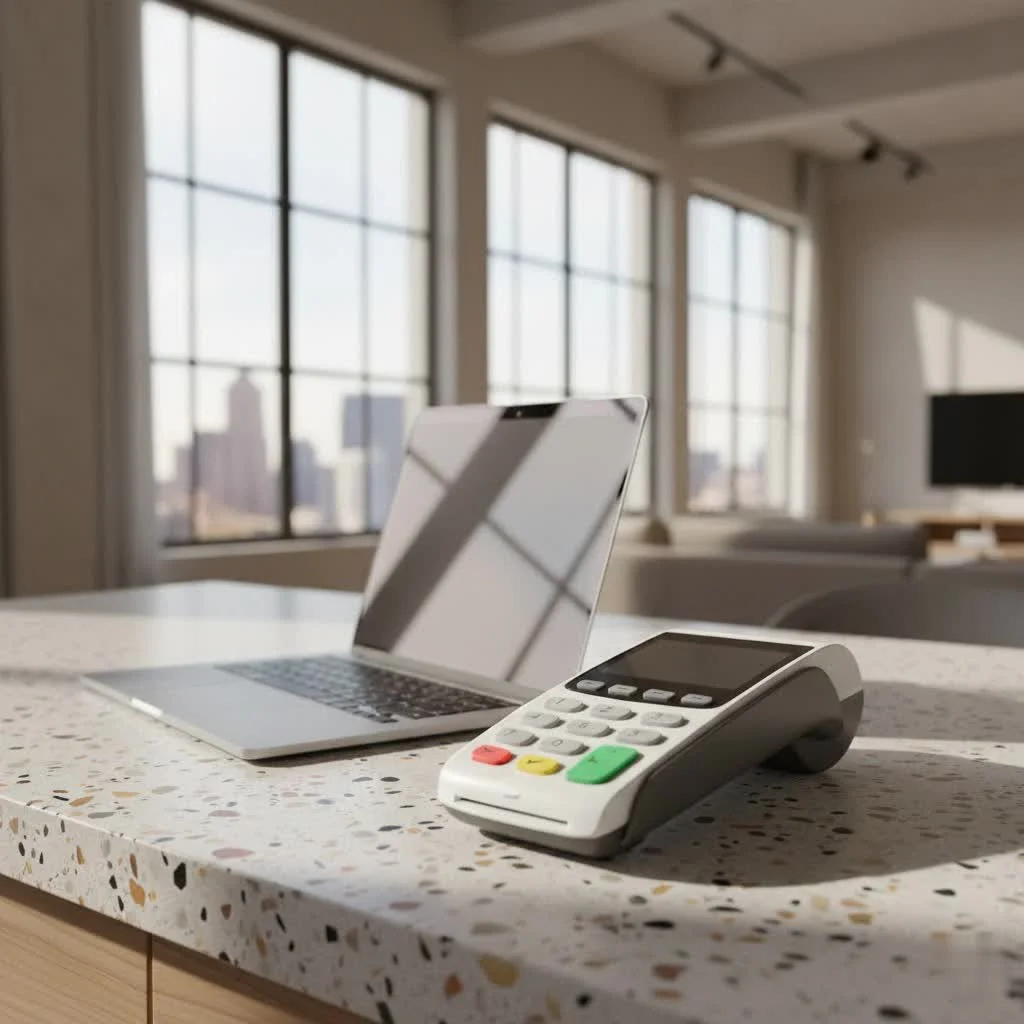
At its core, a Zettle card reader is a compact, portable device designed to transform your smartphone or tablet into a powerful point-of-sale (POS) system. Think of it as your portable cash register, capable of accepting card payments anywhere you have an internet connection. It’s a part of the Zettle by PayPal ecosystem, bringing PayPal’s trusted name and robust financial infrastructure to in-person transactions.
Zettle offers a couple of fantastic options to cater to different business needs: the Zettle Reader 2, which pairs with your phone, and the more advanced, standalone Zettle Terminal. Both are engineered for simplicity and efficiency, ensuring you never miss a sale.
Zettle Reader 2: The Pocket-Sized Powerhouse
The Zettle Reader 2 is often the go-to for many small businesses, and for good reason. It’s incredibly portable, fitting comfortably in your hand or pocket, making it ideal for market stalls, pop-up shops, or even service providers on the move.
How does it work? It connects seamlessly to your smartphone or tablet via Low Energy Bluetooth. Once paired with the intuitive Zettle Go app, your device becomes the central hub for managing sales, inventory, and customer interactions. It’s a remarkably straightforward setup.
What truly makes the Zettle Reader 2 shine are its core features:
- Exceptional Portability: Its compact size means you can take payments virtually anywhere.
- Long-Lasting Battery: Expect around 8-12 hours of operation or up to 100 transactions on a single charge, ensuring you’re powered through busy days.
- Blazing Speed: Contactless payments are approved in mere seconds, keeping queues moving and customers happy.
And when it comes to accepting payments, the Zettle Reader 2 is incredibly versatile. It handles all the major types:
- Contactless (Tap): For quick, convenient payments using cards or mobile wallets.
- Chip & PIN: For secure transactions, especially for larger amounts.
- Mobile Wallets: Fully compatible with popular options like Apple Pay, Google Pay, and Samsung Pay.
- Wide Card Acceptance: From Visa and Mastercard to American Express, JCB, Diners Club, UnionPay, Discover, Maestro, Visa Electron, and V Pay, you’re covered for almost any card your customer presents.
Zettle Terminal: The All-in-One Solution
|
Our Picks for the Best Card Reader in 2026
As an Amazon Associate I earn from qualifying purchases.
|
||
| Num | Product | Action |
|---|---|---|
| 1 | Anker USB C Hub (7-in-1), with 4K HDMI, 85W Power Delivery, USB-C and 2 USB-A 5Gbps Data Ports, microSD and SD Card Reader, for MacBook Air, MacBook Pro, XPS, and More |

|
| 2 | USB3.0 Micro SD Card Reader, 5Gbps 2-in-1 SD Card Reader to USB Adapter, Wansurs Memory Card Reader for SDXC, SDHC, MMC, RS-MMC, Micro SDXC, Micro SD, Micro SDHC and UHS-I Cards (1Pack Black) |
|
| 3 | Memory Card Reader, BENFEI 4in1 USB 3.0 and USB-C to SD Micro SD MS CF Card Reader Adapter, 4 Cards Simultaneously Read and Write, Compatible with iPhone 15 Series, MacBook Pro/Air 2023, and More |
|
| 4 | UGREEN SD Card Reader USB C, USB 3.0 Micro SD Card Reader 2 in 1 Memory Card Reader for MicroSD SDHC SDXC Compatible with PC Computer MacBook Laptop iPad iPhone 17 16 15 Pro/Pro Max |
|
| 5 | USB C SD Card Reader for iPhone 15/16/17/Mac/iPad,Dual Card Slot Memory Card Reader Supports SD and TF Card Trail Camera Viewer SD Card Adapter Portable Micro SD Card Reader No App Plug and Play |
|
| 6 | SAICOO Smart Card Reader DOD Military USB Common Access CAC Card Reader, Compatible with Mac OS, Win (Horizontal Version) |
|
| 7 | SmartQ C368 USB 3.0 Card Reader - Plug & Play, Compatible with Apple & Windows, Supports SD, Micro SD, MS, CF Cards |
|
| 8 | USB C USB3.0 Multi Card Reader for SD, CF, Micro SD, XD, MS Cards - 7 in 1 Adapter Hub for Windows, Mac, Linux, Android |
|
| 9 | SD Card Reader for iPhone, Memory Card Reader with USB Camera Adapter Plug and Play Trail Game Camera Viewer Supports SD and TF Card MicroSD Card Adapter for iPad No App Required |
|
| 10 | UGREEN SD Card Reader USB 3.0 Card Hub Adapter 5Gbps Read 4 Cards Simultaneously CF, CFI, TF, SDXC, SDHC, SD, MMC, Micro SDXC, Micro SD, Micro SDHC, MS, UHS-I (Black) |
|
For businesses seeking a more integrated, standalone solution, the Zettle Terminal steps up to the plate. This device is an all-in-one payment terminal, operating independently without needing to be tethered to a separate smartphone or tablet. It comes with its own built-in POS software, Wi-Fi connectivity, and even a pre-installed SIM card for 3G/4G coverage, so you’re always connected.
The Zettle Terminal is perfect for retail environments, cafes, or any setting where you need a dedicated, robust device that can handle everything from taking payments to managing your product library and tracking stock. Its touchscreen interface feels much like a smartphone, making it incredibly user-friendly.
Setting Up Your Zettle Card Reader: A Walkthrough
Getting started with your Zettle card reader is surprisingly simple. You don’t need to be a tech wizard to get up and running. Here’s a quick step-by-step guide:
- Download the Zettle Go App: Head to the Apple App Store or Google Play Store and download the Zettle Go app. This app is your command center.
- Create or Log In: If you’re new, follow the prompts to create your Zettle account. Existing PayPal users will find the integration particularly smooth.
- Power On and Pair: Turn on your Zettle Reader 2. In the Zettle Go app, navigate to Settings > Hardware and follow the on-screen instructions to pair it via Bluetooth. For the Zettle Terminal, this step is often automatic as the POS is built-in.
- Test a Payment: It’s always a good idea to run a small test transaction (even £0.01 or $0.01) to ensure everything is working perfectly.
- Start Accepting Payments: That’s it! You’re now ready to accept a wide array of payments from your customers.
Expert Tip: “Don’t rush the pairing process,” advises Maria Rodriguez, a seasoned payments expert and contributor to Umaoc.com. “A stable initial connection is key to consistent, hassle-free transactions. Take your time, ensure your device’s Bluetooth is on, and let the app guide you. It’s usually smoother than people expect!”
Unpacking the Costs: Zettle Card Reader Pricing and Fees
One of the most appealing aspects of the Zettle card reader is its transparent and flexible pricing structure, making it a favorite among small businesses.
No Monthly Fees, No Contracts: This is a game-changer. Unlike many traditional payment processors, Zettle doesn’t lock you into long-term contracts or charge recurring monthly fees. You only pay when you use it, which is fantastic for businesses with fluctuating sales or seasonal operations. There are also no additional fees for PCI compliance.
Hardware Costs:
- Zettle Reader 2: Often available at a significant discount for new users (e.g., £29 + VAT in the UK or $29 in the US for your first reader), with subsequent readers costing a standard rate (around £59 + VAT / $79).
- Zettle Terminal: As a more advanced, standalone device, the Terminal naturally comes at a higher upfront cost (typically ranging from $199 to $239), with options for bundles including a printer and dock.
Transaction Fees: Zettle operates on a flat-rate transaction fee for in-person payments, which simplifies budgeting and predictability.
- In-person Card Transactions: You’ll typically encounter a flat percentage fee (e.g., 1.75% in the UK or 2.29% + $0.09 in the US). This rate generally applies across most major card brands, including American Express, which is a big plus.
- Other Transaction Types: For payment links or invoices, the fee might be slightly higher (e.g., 2.5%). Keyed-in transactions (where you manually enter card details) usually carry the highest percentage (e.g., 3.4% + 20p in the UK or 3.49% + $0.09 in the US) due to increased fraud risk. PayPal QR code transactions also have their own rates (e.g., 1.75%).
What about Refunds and Chargebacks? Issuing refunds is typically free, though the original transaction fee isn’t usually refunded to you. In the event of a chargeback (when a customer disputes a payment), a fee might apply (e.g., £20), but Zettle often offers some level of cover (e.g., up to £250 per month in chargebacks).
Why Choose Zettle? The Undeniable Advantages
Having assessed countless card readers, I can confidently say the Zettle system brings a compelling package of benefits to the table:
- Exceptional Ease of Use: Both the hardware and the Zettle Go app are designed with simplicity in mind. From setup to daily transactions, the process is intuitive and user-friendly, minimizing your learning curve.
- Unmatched Flexibility and Mobility: Whether you’re selling at a bustling festival, taking appointments in clients’ homes, or running a cozy café, Zettle moves with you. The portability of the Reader 2 and the standalone nature of the Terminal offer incredible freedom.
- Broad Card Acceptance: Accepting a wide variety of credit and debit cards, along with popular mobile wallets, means you can cater to virtually every customer’s payment preference.
- Seamless PayPal Integration: For businesses already using PayPal for online transactions, Zettle provides a unified view of your finances, making reconciliation and reporting a breeze. Funds can even settle into your PayPal Business account faster.
- Transparent and Predictable Pricing: The absence of monthly fees and contracts, coupled with clear transaction rates, allows you to manage your costs effectively without hidden surprises.
Is Zettle Right for Your Business? Considering Alternatives
Zettle truly shines for a specific segment of the market. It’s an outstanding choice for:
- Small Businesses and Startups: With its low upfront cost (especially for the first reader) and pay-as-you-go model, it removes financial barriers to accepting card payments.
- Mobile Vendors and Pop-Up Shops: Its portability and robust battery life make it perfect for on-the-go sales.
- Service-Based Businesses: Therapists, tutors, tradespeople, and personal trainers can easily accept payments at the point of service.
While Zettle is fantastic, it’s also worth a quick glance at competitors like Square and SumUp. Square, for instance, offers some more extensive free features within its POS ecosystem, including certain online payment options, and instant deposit features (for a small fee). SumUp also offers competitive rates and hardware. The choice often comes down to your specific business volume and whether you need highly specialized integrations or features Zettle might offer through its paid “Pro” app.
Expert Insight: “When evaluating any card reader, always start with your business’s unique rhythm,” suggests David Chen, a payment systems architect and frequent contributor to Umaoc.com. “If your sales volume varies wildly, or you operate in multiple locations, Zettle’s flexibility and no-contract model are huge assets. But if you’re a high-volume retailer needing deep, complex POS integrations, explore all options thoroughly.”
Common Questions About Zettle Card Readers
Here are some of the most frequent questions I get asked about Zettle card readers:
Q1: Do I need an internet connection to use a Zettle card reader?
A: Yes, an internet connection is essential for processing transactions. The Zettle Reader 2 connects to your smartphone/tablet, which then uses its 3G/4G or Wi-Fi. The Zettle Terminal has its own built-in Wi-Fi and a pre-loaded SIM card for mobile data.
Q2: How long does the Zettle Reader 2 battery last on a single charge?
A: The Zettle Reader 2 boasts a robust battery, typically lasting around 8 to 12 hours of active use or facilitating approximately 100 transactions, ensuring reliability throughout your busiest shifts.
Q3: Are there any hidden fees with Zettle?
A: No, Zettle prides itself on transparent pricing. There are no monthly fees, no long-term contracts, and no additional charges for PCI compliance. You primarily pay for the hardware and a clear, flat-rate transaction fee.
Q4: What types of cards can I accept with Zettle?
A: Zettle accepts a comprehensive range of payment methods, including major credit and debit cards like Visa, Mastercard, American Express, Discover, Diners Club, JCB, and UnionPay, along with popular mobile wallets such as Apple Pay, Google Pay, and Samsung Pay.
Q5: Can I use Zettle without a smartphone or tablet?
A: The Zettle Reader 2 requires a compatible smartphone or tablet to operate as it connects via Bluetooth. However, the Zettle Terminal is a standalone, all-in-one device that works independently, complete with its own built-in POS software and internet connectivity.
Your Path to Confident Card Payments
The Zettle card reader, in its various forms, embodies what modern small businesses need: flexibility, affordability, and reliability. It removes the barriers of traditional payment systems, allowing you to focus on what you do best—serving your customers and growing your passion. With its user-friendly interface, transparent pricing, and robust features, Zettle empowers you to accept payments securely and efficiently, no matter where your business takes you. So, go ahead, take the leap. Choose the Zettle card reader that fits your needs, and confidently step into a world of seamless transactions. Your business will thank you!
Get our weekly buyer guide
Practical specs, not advice. Unsubscribe anytime.