As a seasoned veteran with over 15 years in the card reader industry and the lead content creator for Umaoc.com, I’ve witnessed firsthand how payment technology can transform businesses. Today, we’re diving deep into the world of the PayPal card reader, a solution that’s truly revolutionizing how small businesses and mobile vendors accept payments. If you’re looking to streamline your checkout process, expand your payment options, and embrace modern financial flexibility, understanding the PayPal card reader is your next smart move.
What Exactly is a PayPal Card Reader?
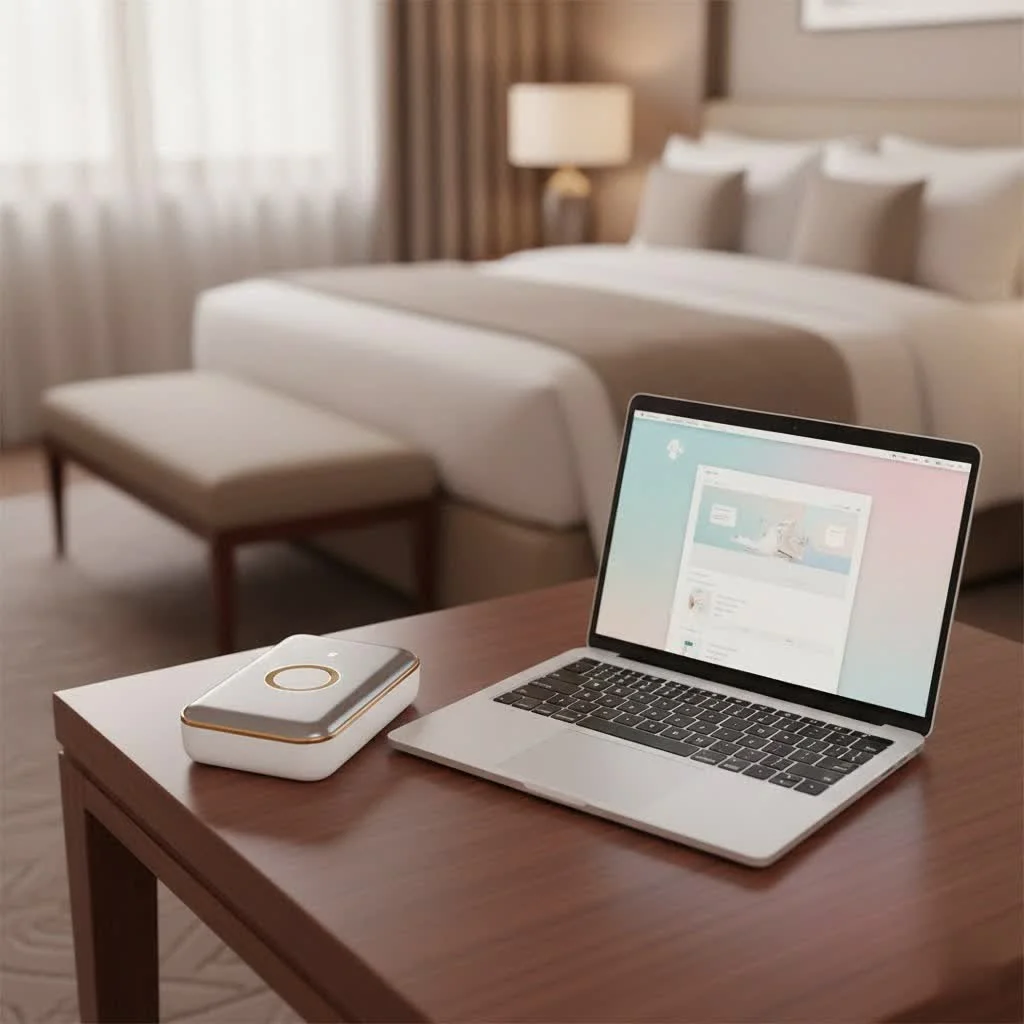
At its core, a PayPal card reader is a sophisticated, yet user-friendly, point-of-sale (POS) system designed to help merchants accept a wide array of in-person payments. You might know it better by its official name, PayPal Zettle. This integrated commerce solution stepped in to replace PayPal’s previous mobile payment offering, PayPal Here, bringing enhanced capabilities and a more seamless experience to the forefront. While PayPal generally refers to the consumer-centric platform for sending and receiving money, PayPal Zettle is specifically engineered for business owners, providing robust POS functions that manage everything from inventory to invoices.
Meet Your Payment Partners: PayPal Card Reader Hardware
PayPal Zettle offers versatile hardware options to suit different business needs, from a bustling storefront to a pop-up market stall.
The Portable Card Reader
This compact device is your go-to for on-the-move sales. It’s designed to connect seamlessly with your existing smartphone or tablet, transforming it into a powerful payment hub.
- Connectivity: The portable PayPal card reader typically connects to your mobile device via Bluetooth, with newer models also offering USB-C connectivity for added flexibility. This allows for reliable and fast pairing, ensuring you’re always ready to take a payment.
- Battery Life: You can expect a solid performance, with the battery often lasting up to 8 hours on a single charge, depending on usage. This is perfect for long workdays or events where power outlets might be scarce.
- Cost-Effective: The first card reader often comes at a discounted price, making it an accessible entry point for new businesses. Subsequent readers are also affordably priced.
The All-in-One POS Terminal
For businesses seeking a more integrated, standalone solution, the PayPal Zettle Terminal is a game-changer. This device operates independently, meaning no external smartphone or tablet is required.
- Integrated Power: It boasts a built-in app, removing the need for pairing with another device. This simplifies operations and reduces potential points of failure.
- Constant Connectivity: The terminal comes equipped with its own pre-loaded SIM card, offering mobile data connectivity right out of the box, alongside Wi-Fi capabilities. This ensures you can accept payments reliably, whether in a fixed location or on the go.
- Enhanced Features: With a sleek design and often a color touchscreen, the terminal provides a smooth checkout experience, including easy tipping functionality. It’s truly an all-in-one device for managing your sales.
Seamless Setup: Getting Started with Your PayPal Card Reader
One of the most appealing aspects of the PayPal card reader ecosystem is its straightforward setup process. You don’t need to be a tech wizard to get started; it’s designed for busy business owners.
- Create a PayPal Business Account: If you don’t already have one, you’ll need to set up a free PayPal Business account or upgrade your existing personal account. This is where your funds will be managed.
- Download the PayPal Point of Sale App: Head to the Apple App Store or Google Play Store and download the PayPal Point of Sale (Zettle) app. This free app is your central command for managing products, tracking sales, and processing payments.
- Purchase Your Hardware: Visit the Zettle Shop to buy your preferred card reader or terminal.
- Pair Your Device: Once your hardware arrives, open the PayPal Point of Sale app and follow the simple on-screen instructions to pair your smartphone or tablet with your new card reader via Bluetooth. For the terminal, it’s even simpler, as the app is already built-in.
Within minutes, you’ll be ready to accept payments!
Payments Accepted: Broadening Your Customer Reach
The PayPal card reader is built to cater to virtually every customer’s preferred payment method, ensuring you never miss a sale. It accepts:
- Major Credit and Debit Cards: This includes Visa, Mastercard, American Express, and Discover.
- Contactless Payments: Tap-to-pay options like Apple Pay, Google Pay, and Samsung Pay are supported, offering speed and convenience.
- EMV Chip and PIN: For traditional card payments, the secure chip and PIN method is fully supported.
- Digital Wallets & QR Codes: You can also accept payments directly from PayPal and Venmo accounts via QR codes, tapping into a vast network of users.
“In today’s fast-paced market, offering diverse payment options isn’t just a convenience, it’s a necessity,” shares Evelyn Harper, a respected consultant in payment solutions for small businesses. “PayPal’s approach with Zettle truly empowers merchants to meet customers wherever they are in their purchasing journey.”
The Financial Side: Understanding PayPal Card Reader Costs and Fees
Transparency in pricing is crucial for any business, and PayPal Zettle generally offers a straightforward fee structure with no surprises.
- Hardware Costs: As mentioned, the first portable PayPal card reader is often available at a discounted price, around $29 or £29. Additional portable readers typically cost more, for example, $79 each. The all-in-one PayPal Zettle Terminal is a larger investment, often priced around $199.
- Transaction Fees: Instead of monthly fees, you’ll pay a per-transaction fee. For card-present transactions (where the card is swiped, dipped, or tapped), the fee is typically around 2.29% + $0.09 in the US. Manual card entry transactions, or those processed through invoicing, might incur slightly higher rates. QR code transactions usually match the card-present rate.
- No Monthly Fees or Contracts: This is a huge benefit for small and seasonal businesses. You only pay when you process a payment, and there are no long-term commitments.
Beyond Payments: Powerful Features for Your Business
A PayPal card reader is far more than just a payment acceptance device; it’s a comprehensive business management tool.
- Inventory Management: The PayPal Point of Sale app allows you to upload product photos, add prices, manage variations (like size or color), and organize your items into categories. Keeping track of stock has never been easier.
- Sales Reporting: Gain valuable insights into your business performance with detailed sales reports. You can filter by date, salesperson, product, or payment type, and even export reports for accounting.
- Employee Access Control: For businesses with staff, you can add employees as unique users to your account, assigning them specific access levels and permissions.
- Invoicing Capabilities: The Zettle app enables you to send invoices directly to customers, simplifying accounts receivable and keeping all your financial records in one place.
- Robust Security Features: PayPal’s payment network security backs the hardware, offering Point-to-Point Encryption (P2PE) certification and end-to-end encryption to protect every transaction. This means peace of mind for both you and your customers.
- Integration with Other POS Hardware: The PayPal Zettle system can integrate with other essential POS hardware, such as cash drawers and receipt printers, allowing you to create a complete and efficient checkout station.
Weighing Your Options: Pros and Cons of PayPal Card Readers
Like any business tool, PayPal card readers come with their own set of advantages and considerations.
Advantages
|
Our Picks for the Best Card Reader in 2026
As an Amazon Associate I earn from qualifying purchases.
|
||
| Num | Product | Action |
|---|---|---|
| 1 | USB C USB3.0 Multi Card Reader for SD, CF, Micro SD, XD, MS Cards - 7 in 1 Adapter Hub for Windows, Mac, Linux, Android |

|
| 2 | USB C SD Card Reader for iPhone 15/16/17/Mac/iPad,Dual Card Slot Memory Card Reader Supports SD and TF Card Trail Camera Viewer SD Card Adapter Portable Micro SD Card Reader No App Plug and Play |
|
| 3 | SD Card Reader for iPhone, Memory Card Reader with USB Camera Adapter Plug and Play Trail Game Camera Viewer Supports SD and TF Card MicroSD Card Adapter for iPad No App Required |
|
| 4 | SmartQ C368 USB 3.0 Card Reader - Plug & Play, Compatible with Apple & Windows, Supports SD, Micro SD, MS, CF Cards |
|
| 5 | SAICOO Smart Card Reader DOD Military USB Common Access CAC Card Reader, Compatible with Mac OS, Win (Horizontal Version) |
|
| 6 | UGREEN SD Card Reader USB C, USB 3.0 Micro SD Card Reader 2 in 1 Memory Card Reader for MicroSD SDHC SDXC Compatible with PC Computer MacBook Laptop iPad iPhone 17 16 15 Pro/Pro Max |
|
| 7 | USB3.0 Micro SD Card Reader, 5Gbps 2-in-1 SD Card Reader to USB Adapter, Wansurs Memory Card Reader for SDXC, SDHC, MMC, RS-MMC, Micro SDXC, Micro SD, Micro SDHC and UHS-I Cards (1Pack Black) |
|
| 8 | Anker USB C Hub (7-in-1), with 4K HDMI, 85W Power Delivery, USB-C and 2 USB-A 5Gbps Data Ports, microSD and SD Card Reader, for MacBook Air, MacBook Pro, XPS, and More |
|
| 9 | UGREEN SD Card Reader USB 3.0 Card Hub Adapter 5Gbps Read 4 Cards Simultaneously CF, CFI, TF, SDXC, SDHC, SD, MMC, Micro SDXC, Micro SD, Micro SDHC, MS, UHS-I (Black) |
|
| 10 | Memory Card Reader, BENFEI 4in1 USB 3.0 and USB-C to SD Micro SD MS CF Card Reader Adapter, 4 Cards Simultaneously Read and Write, Compatible with iPhone 15 Series, MacBook Pro/Air 2023, and More |
|
- Exceptional Ease of Use: From setup to daily operations, the system is incredibly user-friendly, requiring minimal training.
- Diverse Payment Acceptance: Support for major cards, contactless payments, and digital wallets ensures you can serve all your customers.
- Affordable Entry Point: Low hardware costs and no monthly fees make it accessible for businesses of all sizes, especially startups.
- Comprehensive Business Management: Integrated features like inventory, reporting, and invoicing streamline your operations.
- Strong Security: Backed by PayPal’s robust security measures, your transactions are protected.
- Reliable Customer Support: Access to PayPal’s extensive support resources provides assistance when you need it.
Considerations
- Funds Deposited to PayPal Account First: Unlike some traditional processors that deposit directly to your bank, Zettle funds initially go to your PayPal account. You then transfer them to your business bank account, which is typically fast, but an extra step.
- Potential for Strict Fraud Detection: PayPal is known for its rigorous fraud detection, which, while beneficial for security, can sometimes lead to holds on funds or account reviews for unusual transaction patterns.
- Feature Comparison with Competitors: While robust, some competitors like Square might offer a wider array of advanced features for specific niches, such as detailed restaurant management tools or more extensive marketing integrations.
Frequently Asked Questions (FAQ)
How long does the battery last on a PayPal card reader?
The portable PayPal card reader generally offers up to 8 hours of battery life, depending on usage. The all-in-one Terminal is designed for extended use with its robust battery and charging capabilities.
Do I need an internet connection to use a PayPal card reader?
Yes, an internet connection is required to process payments. The portable reader connects via Wi-Fi or your smartphone’s mobile data (3G/4G), while the Zettle Terminal comes with built-in Wi-Fi and its own pre-loaded SIM card for mobile data.
Can I use a PayPal card reader with my existing PayPal account?
You will need a PayPal Business account to use a PayPal card reader. If you have a personal PayPal account, you can easily upgrade it to a business account during the setup process.
What kind of phones/tablets are compatible with the PayPal card reader?
The portable PayPal card reader is compatible with a wide range of iOS and Android devices. For optimal performance, it’s recommended to use devices running iOS 14 or higher or Android 8.1 or higher. The Zettle Terminal operates independently and doesn’t require an external device.
Are there any hidden fees with PayPal card readers?
No, PayPal Zettle prides itself on transparent pricing. There are no sign-up fees, monthly fees, or long-term contracts. You primarily pay for the hardware and a clear per-transaction fee, which varies slightly based on the transaction type.
Revolutionize Your Payments with PayPal Card Reader
In a world that’s constantly moving towards digital and contactless transactions, having a reliable, secure, and user-friendly PayPal card reader is no longer a luxury – it’s a fundamental requirement for business success. From small pop-up shops to established brick-and-mortar stores, PayPal Zettle offers a powerful solution to simplify payment acceptance, streamline operations, and ultimately, grow your business. By understanding its capabilities, you can confidently choose the right system for your needs and empower your customers with the payment flexibility they expect. Take the leap, embrace modern payment solutions, and witness the positive impact on your bottom line.
Get our weekly buyer guide
Practical specs, not advice. Unsubscribe anytime.