In our increasingly digital world, where personal information and secure access are paramount, a tiny yet powerful device plays a colossal role: the Smart Card Reader. You might not always notice them, but these sophisticated gadgets are silently powering everything from secure online banking to accessing your workplace and even tapping onto public transport. As someone who has spent over 15 years immersed in the intricate world of card reader technology, I’m here to demystify the smart card reader, explaining why it’s not just a piece of tech, but a crucial gatekeeper for your digital life.
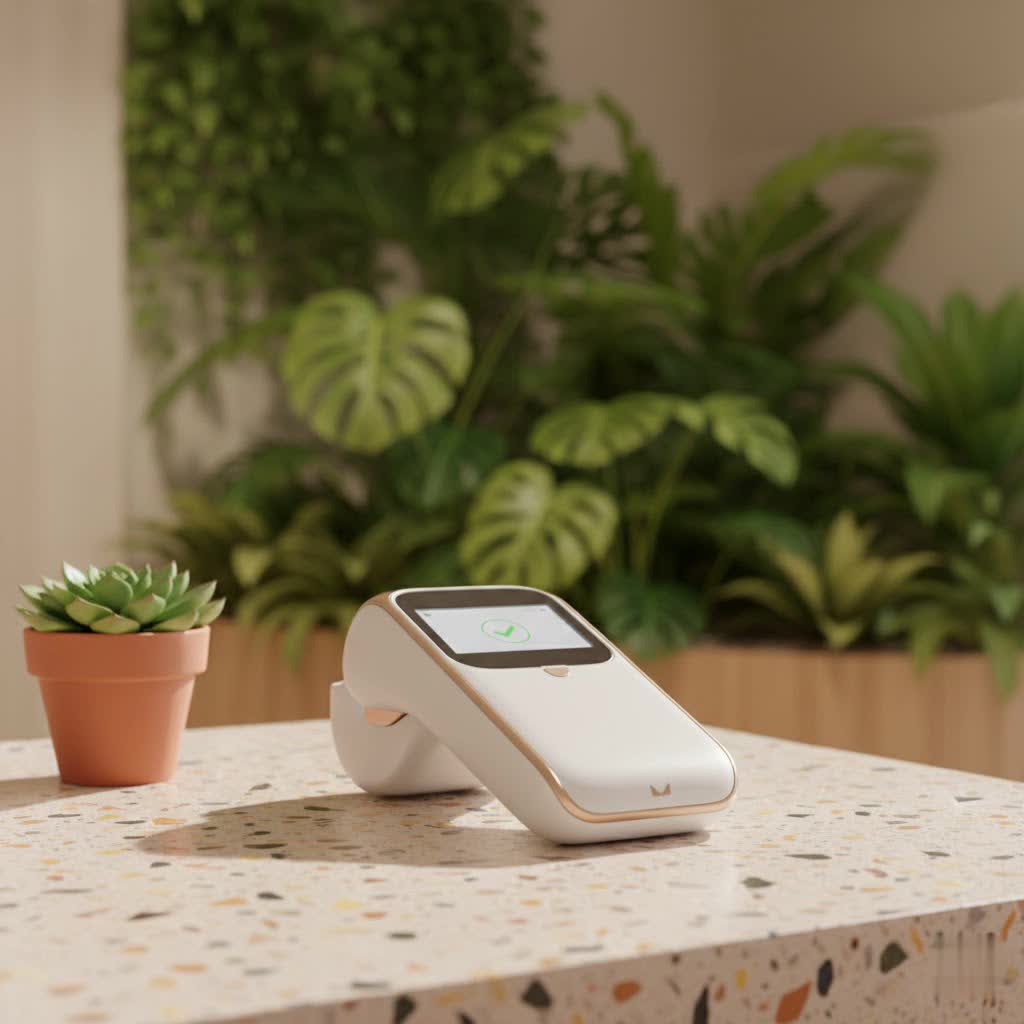
A smart card reader is more than just a simple scanner; it’s a vital interface, a bridge between the data securely stored on a smart card’s embedded microchip and the system that needs to verify it. Think of it as a specialized translator, allowing your physical card to communicate with digital systems for authentication, secure transactions, and various forms of data exchange. Unlike the old magnetic stripe cards that merely hold static information, smart cards, with their integrated circuits, can process and store a much larger volume of encrypted data, making them significantly more secure and versatile. This fundamental difference is why the smart card reader has become indispensable, offering robust protection against fraud and unauthorized access.
What Exactly is a Smart Card Reader?
At its core, a smart card reader is a hardware device designed to read and, in many cases, write information to a smart card. These cards, often resembling a credit card, house a tiny computer chip rather than just a magnetic stripe. This embedded chip is a miniature powerhouse, capable of storing sensitive data, performing cryptographic operations, and even executing commands.
So, how do these clever devices actually work their magic? When a smart card is introduced to a compatible smart card reader, the reader supplies power to the card’s chip. This initiates a secure, two-way communication channel. Data stored on the chip, such as identity credentials or payment information, is often encrypted. The smart card reader decodes this encrypted data, verifies its authenticity, and then transmits it to a connected system—be it your computer, a point-of-sale terminal, or an access control panel—for processing. This entire process ensures that only legitimate cards and authorized users can complete transactions or gain access, keeping your information safe and sound.
The Two Main Ways Smart Card Readers Connect: Contact vs. Contactless
The interaction between a smart card and its reader primarily occurs in one of two ways, each offering distinct advantages:
-
Contact Smart Card Readers: These are the workhorses for high-security environments. As the name suggests, a contact smart card reader requires you to physically insert the smart card into a slot. Metal pins within the reader make direct contact with the gold-plated contacts on the card’s chip. This physical connection creates a highly reliable and secure channel for data transfer. You’ll commonly find contact smart card readers in ATMs, for online banking authentication, or with government-issued identification like CAC (Common Access Card) and PIV (Personal Identity Verification) cards, where absolute certainty of card presence and user interaction is crucial. The direct connection minimizes the risk of data interception, making them a preferred choice when security cannot be compromised.
-
Contactless Smart Card Readers: If you’ve ever tapped your payment card at a checkout or waved an ID badge to enter a building, you’ve used a contactless smart card reader. These readers leverage Radio Frequency Identification (RFID) or Near Field Communication (NFC) technology. Instead of physical insertion, the smart card only needs to be brought into close proximity (typically a few centimeters) of the reader. The reader emits an electromagnetic field that powers the card’s chip and facilitates wireless data exchange. The biggest benefit here is speed and convenience. It’s a “tap-and-go” experience that drastically reduces transaction times and wear-and-tear on both the card and the smart card reader. They are prevalent in public transportation, physical access control systems, and modern retail payment terminals.
-
Dual-Interface Smart Card Readers: For environments that demand the best of both worlds, dual-interface smart card readers exist. These versatile devices are equipped to handle both contact and contactless smart cards, offering maximum flexibility. Imagine a corporate office where employees might use a contactless tap for daily entry but need a contact insertion for logging into a secure workstation. A dual-interface smart card reader seamlessly accommodates both scenarios.
|
Our Picks for the Best Card Reader in 2026
As an Amazon Associate I earn from qualifying purchases.
|
||
| Num | Product | Action |
|---|---|---|
| 1 | UGREEN SD Card Reader USB C, USB 3.0 Micro SD Card Reader 2 in 1 Memory Card Reader for MicroSD SDHC SDXC Compatible with PC Computer MacBook Laptop iPad iPhone 17 16 15 Pro/Pro Max |

|
| 2 | USB C SD Card Reader for iPhone 15/16/17/Mac/iPad,Dual Card Slot Memory Card Reader Supports SD and TF Card Trail Camera Viewer SD Card Adapter Portable Micro SD Card Reader No App Plug and Play |
|
| 3 | SD Card Reader for iPhone, Memory Card Reader with USB Camera Adapter Plug and Play Trail Game Camera Viewer Supports SD and TF Card MicroSD Card Adapter for iPad No App Required |
|
| 4 | SAICOO Smart Card Reader DOD Military USB Common Access CAC Card Reader, Compatible with Mac OS, Win (Horizontal Version) |
|
| 5 | UGREEN SD Card Reader USB 3.0 Card Hub Adapter 5Gbps Read 4 Cards Simultaneously CF, CFI, TF, SDXC, SDHC, SD, MMC, Micro SDXC, Micro SD, Micro SDHC, MS, UHS-I (Black) |
|
| 6 | USB C USB3.0 Multi Card Reader for SD, CF, Micro SD, XD, MS Cards - 7 in 1 Adapter Hub for Windows, Mac, Linux, Android |
|
| 7 | Memory Card Reader, BENFEI 4in1 USB 3.0 and USB-C to SD Micro SD MS CF Card Reader Adapter, 4 Cards Simultaneously Read and Write, Compatible with iPhone 15 Series, MacBook Pro/Air 2023, and More |
|
| 8 | Anker USB C Hub (7-in-1), with 4K HDMI, 85W Power Delivery, USB-C and 2 USB-A 5Gbps Data Ports, microSD and SD Card Reader, for MacBook Air, MacBook Pro, XPS, and More |
|
| 9 | SmartQ C368 USB 3.0 Card Reader - Plug & Play, Compatible with Apple & Windows, Supports SD, Micro SD, MS, CF Cards |
|
| 10 | USB3.0 Micro SD Card Reader, 5Gbps 2-in-1 SD Card Reader to USB Adapter, Wansurs Memory Card Reader for SDXC, SDHC, MMC, RS-MMC, Micro SDXC, Micro SD, Micro SDHC and UHS-I Cards (1Pack Black) |
|
Beyond the Basics: Types of Smart Card Readers for Every Need
The world of smart card readers isn’t one-size-fits-all. Manufacturers have innovated to integrate this technology into various forms to suit diverse applications and user preferences:
-
External USB Smart Card Readers: These are perhaps the most common type for individual users and businesses. They connect to your computer via a USB port, offering a simple plug-and-play solution. Their portability and ease of setup make them ideal for desktop authentication, digital signature applications, and accessing secure government websites. Many come in sleek, compact designs that are easy to carry.
-
Integrated/Embedded Smart Card Readers: You might already be using one without realizing it! Many laptops, keyboards, and even some smart office printers and point-of-sale (POS) terminals come with built-in smart card reader functionality. This seamless integration offers a streamlined user experience, eliminating the need for external peripherals and often enhancing security by being a fixed component of the device. This type of smart card reader is designed for ultimate convenience.
-
Mobile Smart Card Readers: With the rise of smartphones and tablets as primary computing devices, mobile smart card readers have become increasingly popular. These compact devices connect to your mobile phone or tablet, typically via Bluetooth or a lightning/USB-C port, transforming your portable device into a secure smart card interaction point. They are incredibly useful for field agents, mobile sales teams, or anyone needing secure authentication or data access on the go.
-
Biometric Smart Card Readers: Taking security to the next level, biometric smart card readers combine the robust security of smart cards with biometric verification methods like fingerprint recognition, facial scanning, or iris identification. With this type of smart card reader, accessing a system isn’t just about what you have (the card) but also who you are (your biometrics). This multi-factor authentication significantly enhances protection against identity theft and unauthorized access, making them vital in high-security applications like border control or military facilities.
Why a Smart Card Reader is a Must-Have: Key Applications and Benefits
The widespread adoption of smart card readers isn’t accidental; it’s driven by their profound benefits across numerous sectors, addressing critical needs for security, efficiency, and convenience.
Elevated Security for Digital Transactions and Data
One of the most compelling advantages of a smart card reader system is the heightened level of security it provides. Smart cards are designed with encryption and robust authentication technologies far superior to older magnetic stripe cards. The embedded chip can perform cryptographic operations directly on the card, making it incredibly difficult to clone or tamper with. When paired with a smart card reader, this technology enables:
- Strong Authentication: Verifying a user’s identity with a high degree of certainty, often requiring a PIN in conjunction with the card.
- Encrypted Data Transmission: Protecting sensitive information as it travels between the card and the system, shielding it from interception.
- Anti-Tamper Features: Modern smart card readers often include mechanisms to detect physical tampering, alerting security personnel to any unauthorized attempts to compromise the device.
- Passwordless Experience: For enterprises, smart card readers facilitate passwordless authentication, drastically reducing the risk of credential theft and simplifying login processes.
Seamless Access and Authentication
Smart card readers streamline access control and authentication in various environments, from corporate offices to government agencies.
- Physical Access Control: Employees can simply tap or insert their ID badges into a smart card reader to gain entry to buildings, restricted areas, parking garages, or even to activate elevators.
- Logical Access Control: Beyond physical entry, smart card readers enable secure login to computer networks, shared workstations, and cloud applications. This forms the backbone of Single Sign-On (SSO) systems, allowing users to access multiple resources with a single, secure credential.
- Digital Signatures: For legal and administrative processes, smart card readers are crucial for generating secure digital signatures, ensuring the authenticity and integrity of electronic documents.
Everyday Practicality Across Industries
The versatility of the smart card reader extends to countless daily applications:
- Banking and Finance: Essential for EMV (Europay, MasterCard, and Visa) chip card transactions at POS terminals and ATMs, as well as securing online banking access.
- Public Transportation: Enabling quick and convenient fare payments with a simple tap.
- Government and Healthcare: Used for national ID cards, driver’s licenses, electronic passports, and secure access to patient medical records, ensuring compliance and data protection.
- Time and Attendance Tracking: Recording employee clock-ins and outs efficiently and accurately.
- Cashless Vending and Print Management: Providing secure authentication for office services, streamlining operations and tracking usage.
“In an era where digital threats are constantly evolving, the smart card reader isn’t just a convenience; it’s a non-negotiable component of any robust security infrastructure. Its ability to create a secure, verifiable bridge between a user’s identity and digital or physical access points is what truly sets it apart,” explains Anya Sharma, a leading cybersecurity architect with Umaoc.com.
Choosing Your Perfect Smart Card Reader: What to Look For
Selecting the right smart card reader can feel like a daunting task with so many options available. Here’s what you should consider to ensure you make an informed decision:
-
Compatibility First: The most critical factor is ensuring the smart card reader is compatible with the smart cards you intend to use. Different cards operate on different frequencies (e.g., 125kHz, 13.56MHz for RFID/NFC) or require specific contact interfaces. If you’re integrating with an existing access control system, confirm the reader’s compatibility with that system’s protocols.
-
Security Features You Can Trust: Prioritize readers that offer advanced security protocols like robust encryption (AES, DES), Secure Access Modules (SAM) for enhanced key management, and anti-cloning technologies. If multi-factor authentication is a requirement, look for readers that can integrate with biometrics or support one-time passcodes.
-
Connectivity and Form Factor:
- Interface Type: Do you need a USB-A, USB-C, Bluetooth, or even a serial port connection? Consider the ports available on your host devices (computer, tablet, POS system).
- Portability: If you’re often on the move, a compact, lightweight USB or mobile smart card reader is ideal. For a stationary setup, an integrated or desktop reader might be more suitable.
- Durability: For high-traffic or industrial environments, opt for a smart card reader with a robust build quality that can withstand frequent use.
-
Performance and Speed: While smart card data transfer isn’t usually as demanding as large media files, a responsive smart card reader contributes to a smoother user experience, especially for contactless “tap-and-go” applications.
Keeping Your Smart Card Reader in Top Shape
Just like any electronic device, a smart card reader benefits from a little care to ensure its longevity and optimal performance:
- Keep it Clean: Dust and debris can accumulate in contact slots or on reader surfaces, potentially hindering communication. Regularly wipe down your smart card reader with a soft, lint-free cloth. For contact readers, specialized cleaning cards can help clear dust from the internal pins.
- Software and Driver Updates: Ensure your smart card reader’s drivers and any associated software are kept up to date. Manufacturers frequently release updates to improve performance, enhance security, and ensure compatibility with new operating systems or card types.
- Handle with Care: Avoid dropping the reader or exposing it to extreme temperatures or moisture. For contact readers, gentle insertion and removal of cards will prevent damage to the internal pins.
Frequently Asked Questions (FAQ)
What is the primary difference between a smart card reader and a traditional magnetic stripe reader?
A smart card reader interacts with an embedded microchip that can store encrypted data and perform cryptographic functions, offering superior security and processing capabilities. A traditional magnetic stripe reader simply reads static, unencrypted data from a magnetic strip, making it less secure and versatile.
Can a smart card reader be used for online purchases?
Yes, many smart card readers are designed for secure online transactions, especially in regions that mandate EMV chip card authentication for e-commerce, enhancing security by requiring physical card presence and often a PIN.
Are all smart card readers compatible with all smart cards?
No, compatibility depends on the type of smart card (contact, contactless) and the protocols it uses. For instance, an NFC-only smart card reader won’t read a contact-only smart card. Always verify that the reader supports your specific card type and frequency.
What is the role of a smart card reader in multi-factor authentication (MFA)?
In MFA, a smart card reader can serve as one factor (something you have – the card) combined with another factor (something you know – a PIN, or something you are – a biometric scan) to provide a highly secure authentication process.
Can I use a smart card reader with my smartphone?
Yes, there are mobile smart card readers available that connect to smartphones or tablets, typically via Bluetooth or directly into the device’s port, allowing for secure card interactions on the go.
Is a smart card reader difficult to set up?
Most external smart card readers are plug-and-play devices that simply connect via USB and automatically install necessary drivers, making them generally easy to set up for basic use. For enterprise systems, integration might involve more complex software configuration.
What industries benefit most from smart card readers?
Industries requiring high security and efficient authentication benefit significantly, including banking and finance, government (for ID and access), healthcare (for patient data access), corporate access control, and public transportation.
The Future of Secure Interactions is Here
The smart card reader is more than just a piece of hardware; it’s a gateway to a safer, more efficient digital and physical world. From securing your financial transactions to ensuring controlled access to sensitive information and locations, its role is continuously expanding. By understanding how these devices work, the various types available, and what to consider when choosing one, you empower yourself to make intelligent decisions for your personal and professional security needs. Embrace the power of the smart card reader, and step into a future where your digital interactions are not just convenient, but profoundly secure.
